
Ensure your full name appears publicly on LinkedIn so people can easily find and message you.
Basic
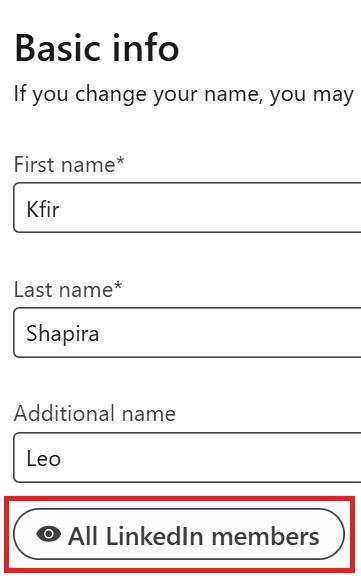
✅ Make sure your full name is visible to all LinkedIn users
Edit your basic info visibility for maximal exposure:
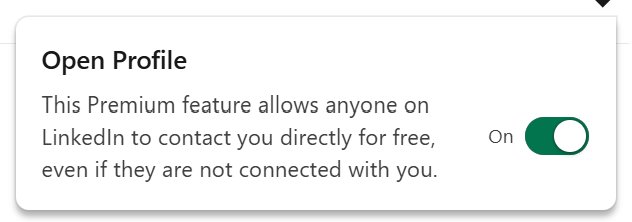
Consider enabling the “Open Profile” feature - it allows anyone on LinkedIn to message you, even if you're not connected.
Your name will not show up in full when you send connection requests, when you comment and when you post
The same can happen if your profile picture visibility setting is not set to All LinkedIn Members
Next, choose if to showcase your recent company and education in under the cover image (and under your name in mobile devices using the intro settings

