
Improve your feed and professional image by following the right people, pages, and groups.
Advanced
✅ Follow top voices in your industry
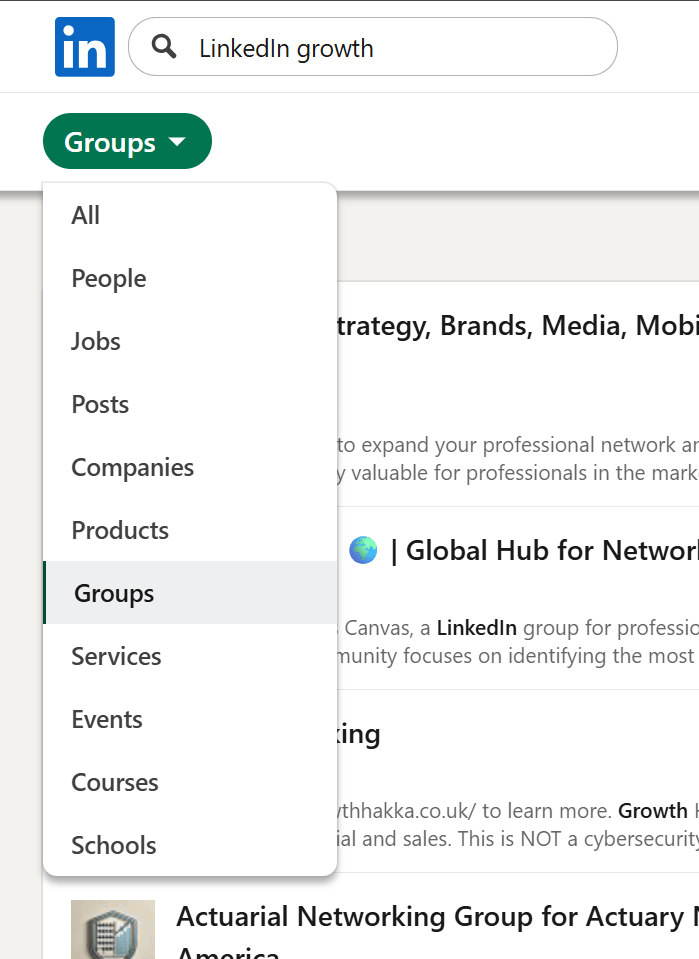
✅ Join relevant groups and communities
✅ Subscribe to professional newsletters
✅ Unfollow pages or people that harm your positioning
Your interests section updates automatically based on who and what you follow: thought leaders (top voices), company pages, groups, newsletters and schools
Most visitors won’t scroll this far.
But optimizing it still matters for two reasons:
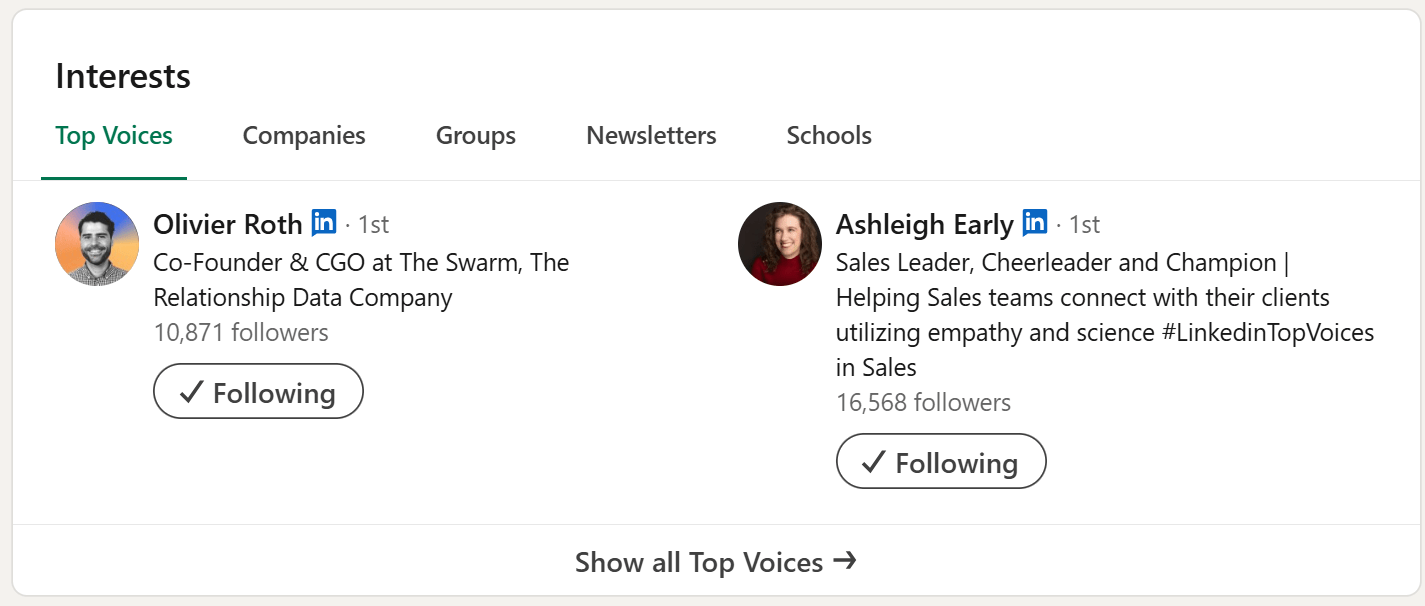
Many LinkedIn users follow pages and people without thinking about how it reflects on their professional identity.
Your Interests section becomes a subtle signal of what you value and where your attention goes.
Good follows show you:
Bad follows may clutter your feed or misrepresent your professional focus.
If a page or person harms your positioning, unfollow them.
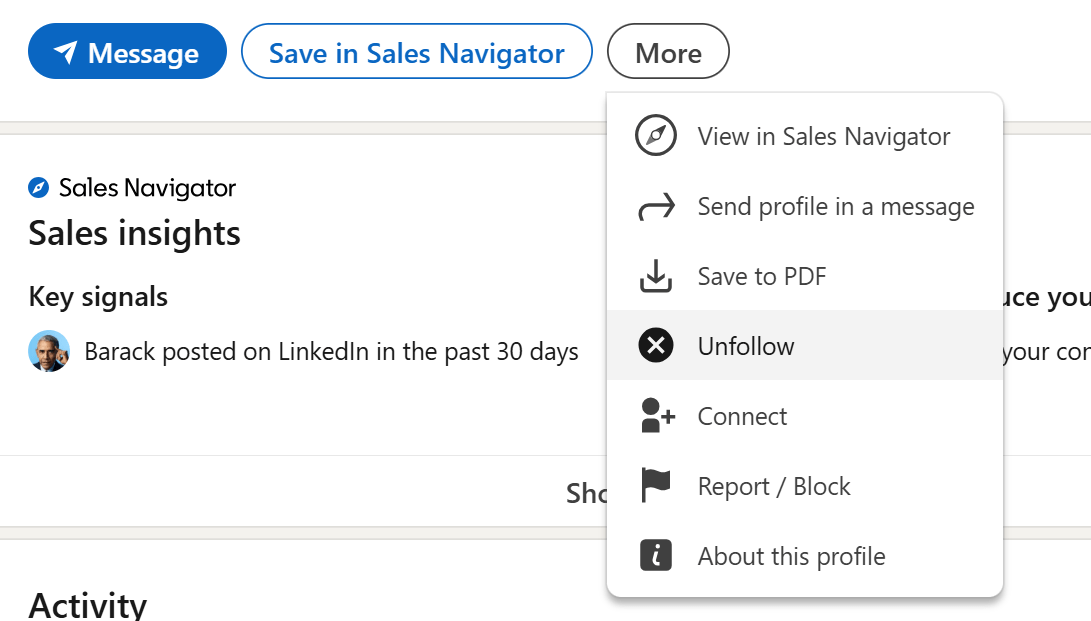
LinkedIn does not offer a dedicated Top Voices search. But most Top Voices mention it directly in their headline.
To find them:
These creators often:

To find relevant groups:
LinkedIn newsletters help you stay updated with recurring content from experts.
To find newsletters:
Use the dropdown for posts or people, click into someone’s profile and scroll to see if they publish one.

The guide for profile optimization is built to increase your visibility.
From the most basic visibility settings (including optimization like the profile URL and intro settings), through core section optimizations like headline and experience section to advanced optimizations like featured posts and connections growth.
Engagement is part of the optimization too, but it require a different approach. Unlike other sections you can visit once in a while, engagement is something you do on a daily basis.
Now that you follow top voices - use the opportunity to comment and share your voice on others' content.
Sometimes, a good comment on a post of an influencial figure, can get as much visibility as you best posts
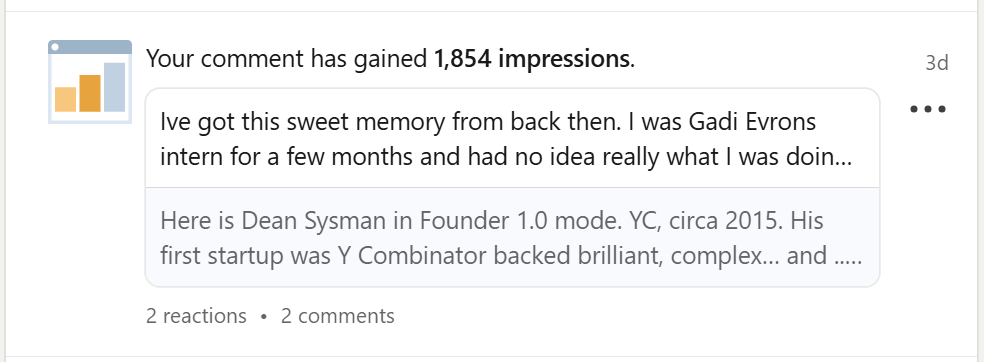
Next, optimize your commenting strategy

