
Use LinkedIn’s Featured section to spotlight your best work, posts, and thought leadership.
Advanced
✅ Add at least one feature post
✅ Add more than one type of featured post: links, media, lead magnets, and events
✅ Use designs and layouts that create a clean layout, consistent with your profile
✅ Rotate and update new featured items to keep your profile current
✅ Highlight your most important content even if it didn’t originally perform well
✅ Feature causes you care about to show values and personality
The Featured section is one of the strongest conversion elements on your profile, and it's often not used at all or at least not to its full potential.
You can feature much more than posts.
With a free account, you can add links, articles, and media. With Premium, you unlock additional options like featuring recommendations.
Common Featured items include:
Thought leadership posts
Articles, posts, or documents where you share insights, frameworks, or expertise.

Event links
Webinars, workshops, meetups, conferences, or “Meet me at X” invitations. (you can alse feature the same link you feature when you optimize your contact info)
Newsletters
If you run a LinkedIn newsletter, drive subscriptions by pinning it here.
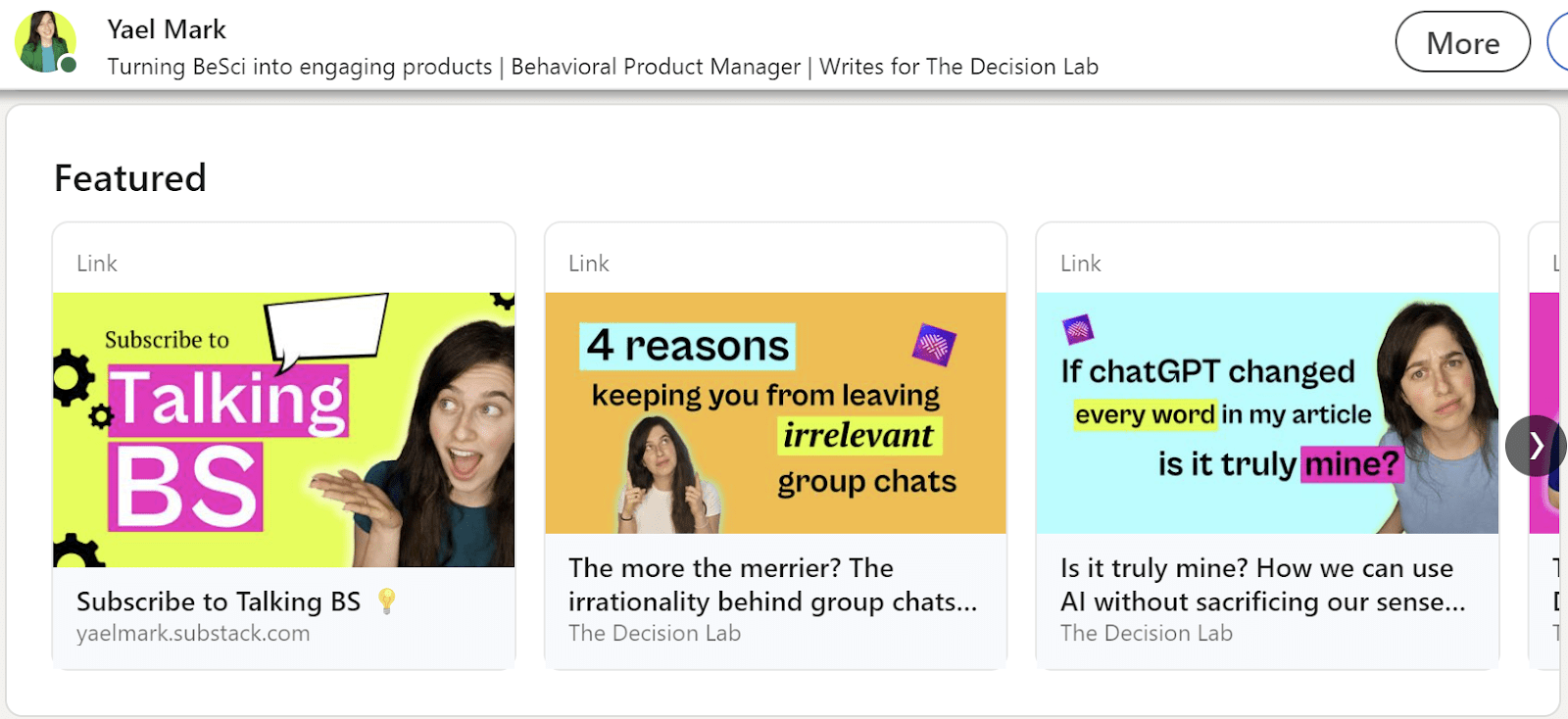
Landing pages
Lead magnets, booking calendars, service pages, waitlist pages, or contact pages.
Recommendations (Premium)
Highlight a recommendation or testimonial directly in your Featured section. Available only with LinkedIn premium subscriptions
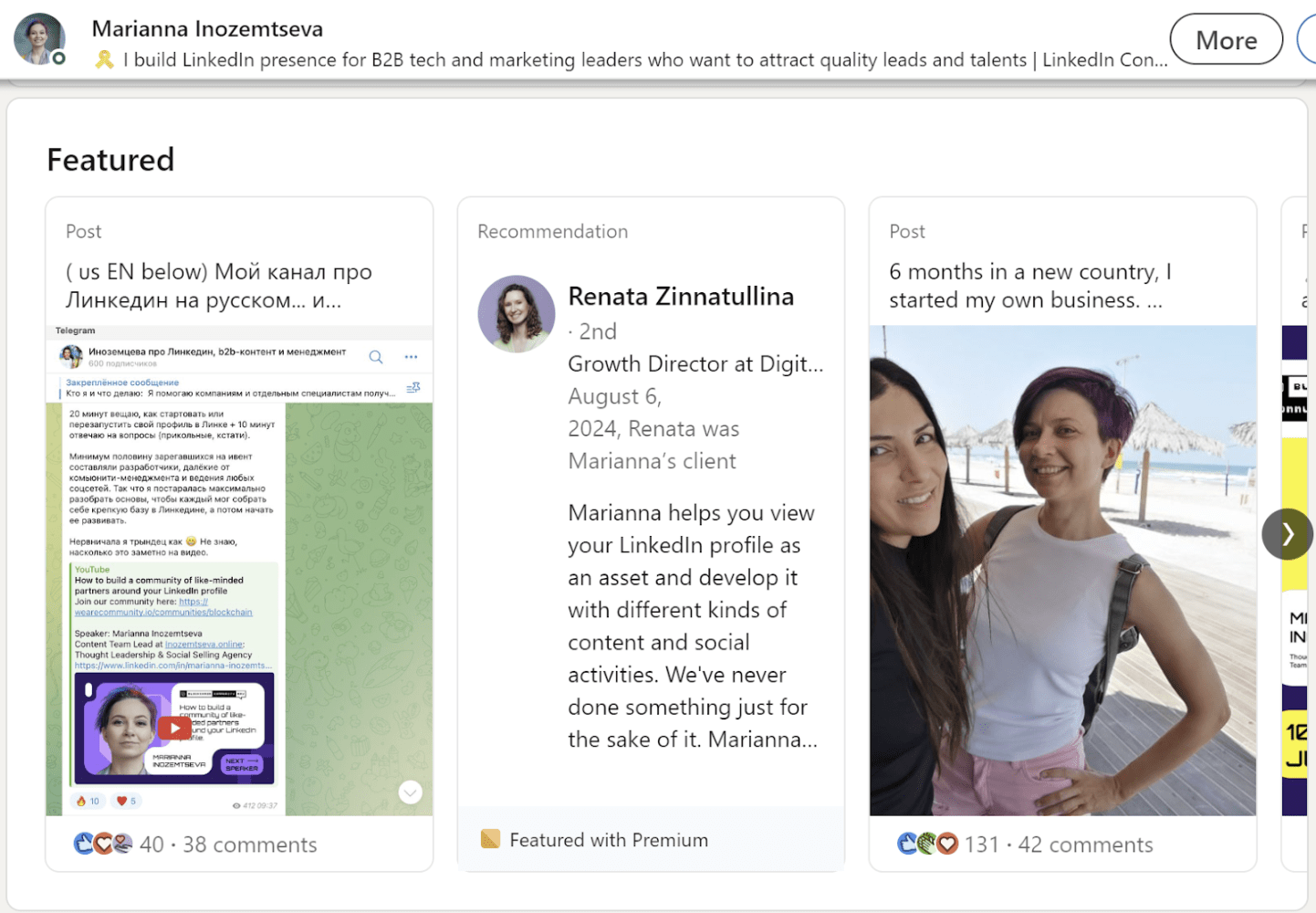
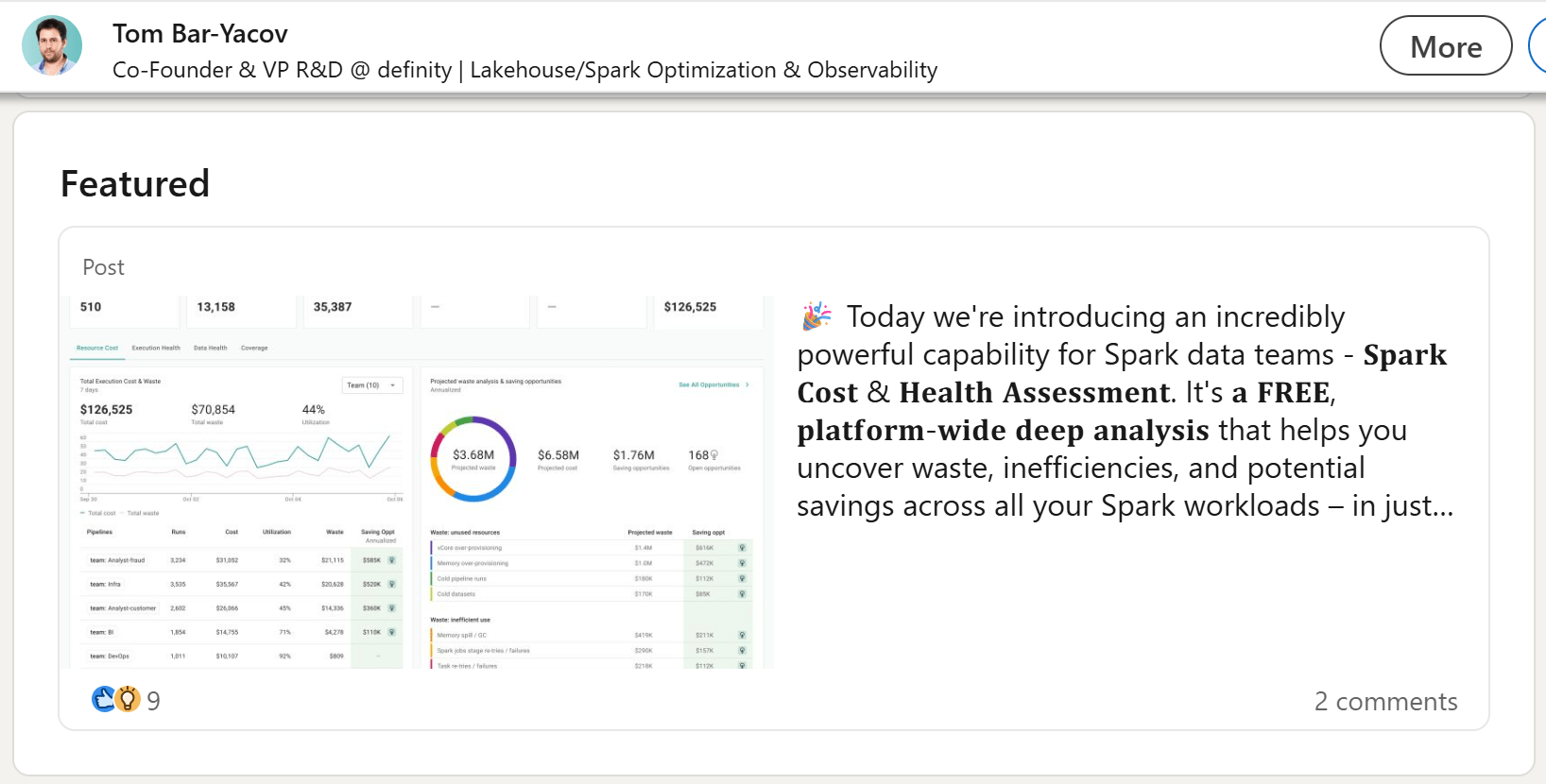
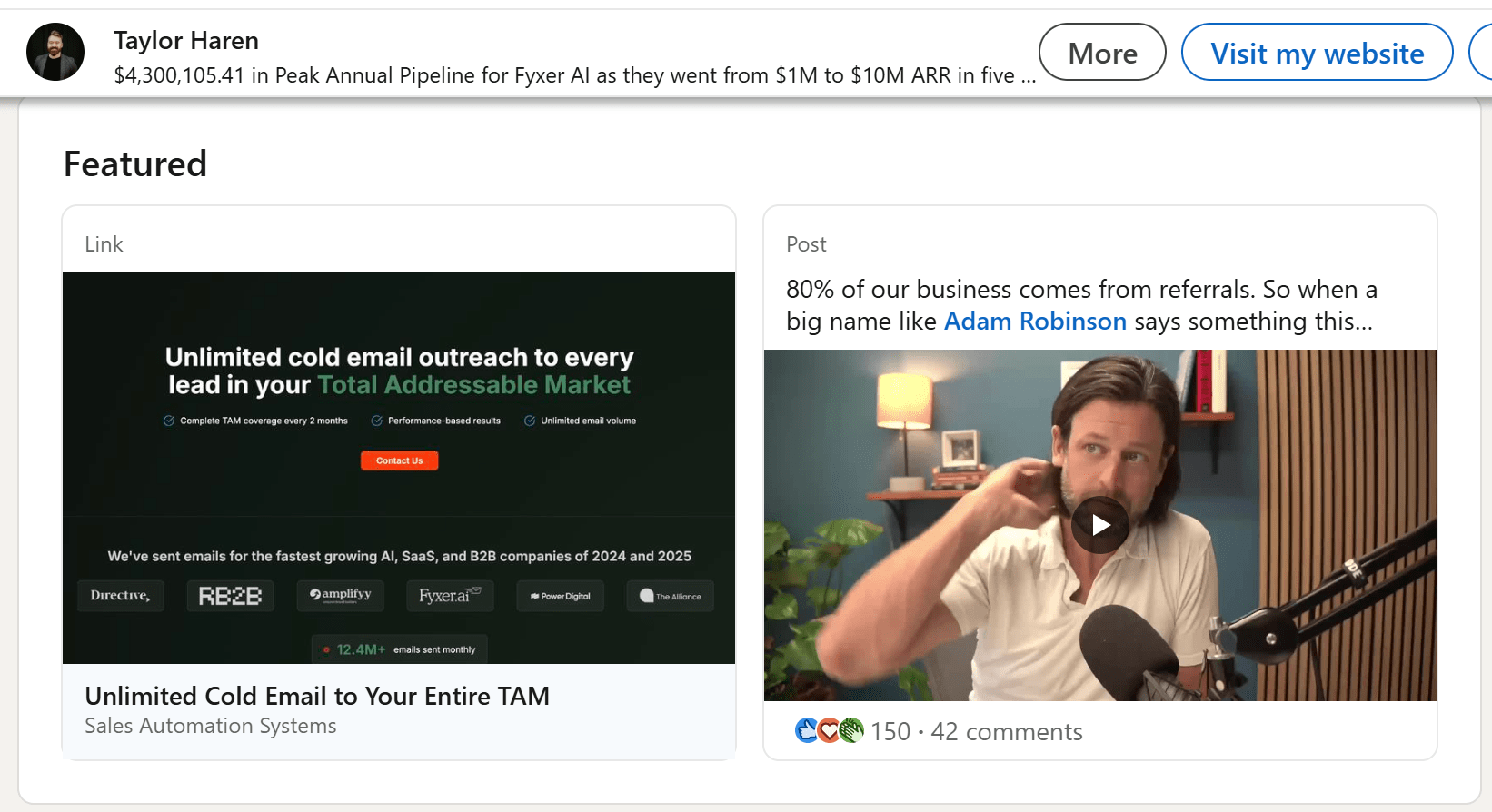
The Featured section layout changes depending on how many items you add:
You can create visual rhythm by playing with image styles and sizes.
High contrast, clean images tend to work best.
Areas to consider to match with the featured posts: profile picture and cover image
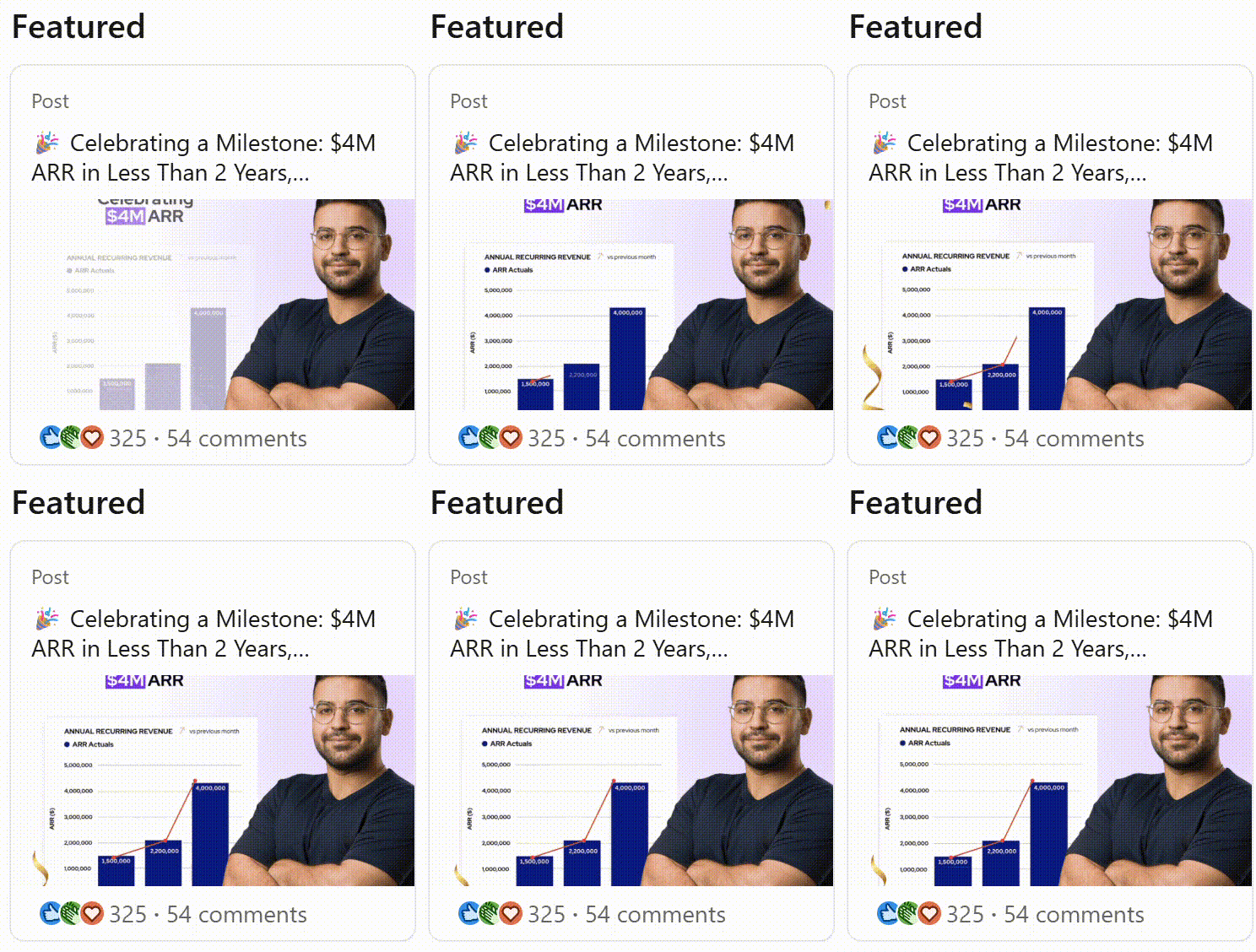
When posting a GIF, it appears animated also in the featured section. Use it - but make sure that if you feature more than one post, only one is animated (otherwise instead of attention grabing you make noise)
Speaking of animations, animate your cover image by using the rotating cover
If you never posted something on LinkedIn before, consider to develop a posting strategy. Meanwhile, you can feature posts of others or links:
Next, build a networking strategy to increase your current number of connections

