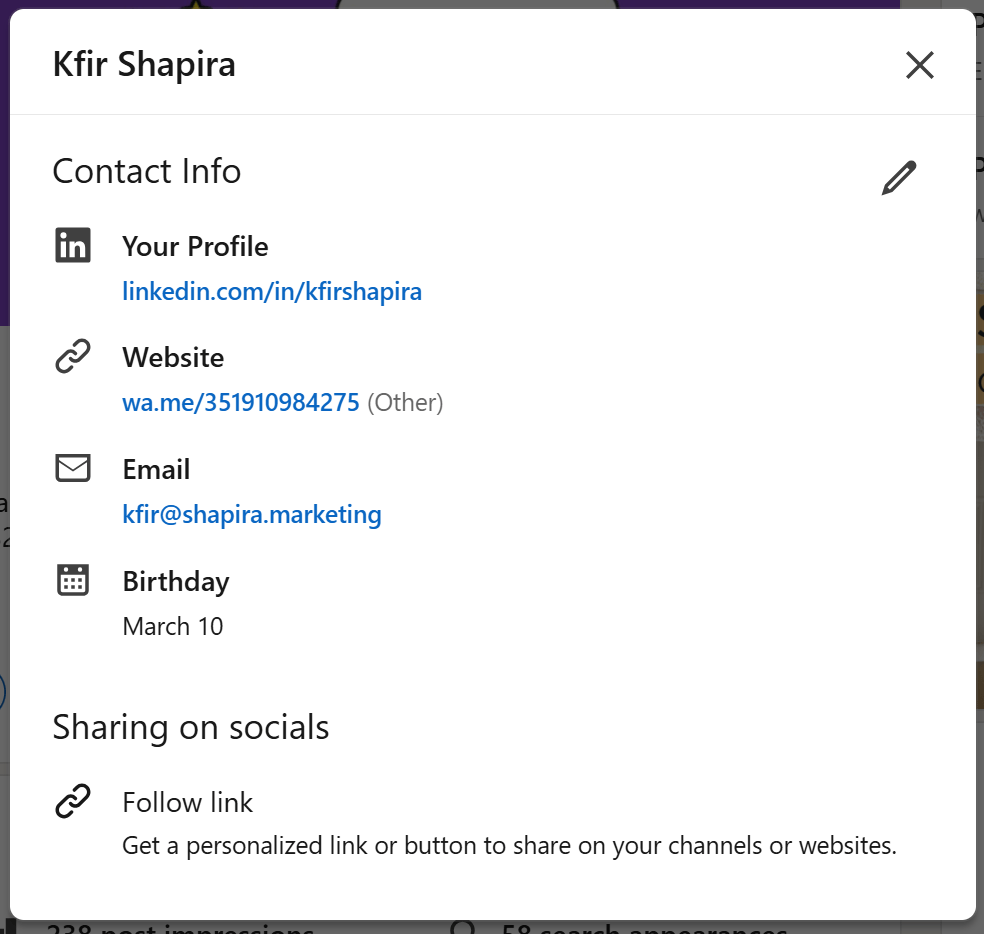
Add contact details such as your email (if possible, use your work email), phone number (if you're comfortable sharing it), and website (if relevant).
Open the email visibility settings, set it to 1st-degree (if you choose higher degree, it increases the chance of receiving spam emails).
Full contact info settings including email and website (which leads to a direct WhatsApp conversation)
Ideas for contact info URLs if you don't have a website
Promote your other socials e.g., GitHub, Instagram, Behance, etc.
Link to WhatsApp / Telegram to drive direct WhatsApp conversations. Use the link structure: https://wa.me/[your_number] (including country code).
Security tip
Always have both your work email and personal email linked to your account.
This ensures you won’t get locked out if you leave your workplace.
Go to your account email settings, click Add email addresses to add the missing work/personal email address
Feature the link in a post and the contact details in the about section
The link you choose to feature in the contact info can also be a great addition to your featured posts section.
If you work in a traditional industry where people don't use LinkedIn as often, it might worth it also to mention the contact details in the about section to give easier access to the information